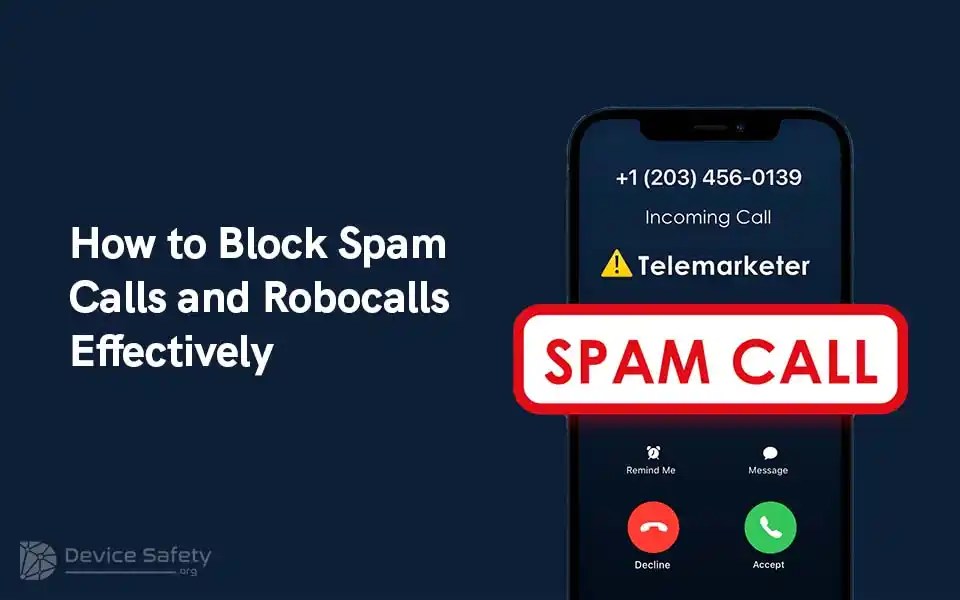
Spam calls and robocalls are frustrating and put you at risk of phishing or hacking attempts. When you share your phone number online, you get bombarded by robocalls, scammers, and spoofed numbers. We’ve got you covered if you’re tired of it and wondering how to block spam calls and robocalls effectively. Keep reading this blog.
1. Use in-built phone settings
It is one of the most important and simplest ways to deal with robocalls – use your smartphone’s built-in features. Both Android and iPhone come with features that are designed to filter out spam and unknown callers. Here is how you can block spam calls on your iPhone and Android phone.
If you’re an iPhone user, you can use the built-in feature called “silence unknown callers.” This feature helps you fight against spam. Here is how you can activate it.
- Go to Settings -> Phone
- Toggle on “silence unknown callers.”
When you enable this feature, the call that you get from unknown contacts will be silenced and sent to the voice mail.
If you’re an Android user, you can search for an option like “Block numbers” or “Caller ID and spam.”
Here is how you can use the built-in feature “block calls from unidentified numbers.”
- Launch the phone app -> Click on the three-dot menu icon.
- Choose “Settings” or “Call settings.”
- Search for an option such as “Block numbers” or “Caller ID and spam.”
- Turn on the “block calls from unidentified numbers” option.
2. Register With the National DND Registry
It is one of the most effective ways to reduce unwanted telemarketing or robocalls. Register your number with the National Do Not Call Registry. It is a free service provided by the FTC – The Federal Trade Commission. You can easily opt out of spam calls using it.
Here is how you can register your number.
- Visit the official website – https://www.donotcall.gov/.
- Now, click on “Register Your Phone.”
- Enter your number.
- Provide a valid email address and complete the registration procedure.
3. Use Third-Party Spam Call Blocking Apps
You can use third-party apps to prevent spam calls. These apps come with cutting-edge features and customizable settings. They have an extensive database of spam numbers and use algorithms to find out and block potential robocalls. Some popular third-party call-blocking apps are Truecaller, RoboKiller, Hiya, YouMail, etc. While choosing the app, keep features such as user-friendliness, privacy policies, and effectiveness in mind. Most of these apps have free versions with basic features, and premium versions require a subscription fee.
The best thing is that implementing the above-discussed three tricks can reduce spam calls by up to 75% to 80%.
4. You Can Block Individual Numbers
If you’re getting spam calls from specific numbers again and again, you can individually block them. If you’re an iPhone user, follow the below steps.
- Launch phone app -> recent calls list.
- Now click on info (i) icon present next to the number you want to block.
- Tap on “Block This Caller.”
- Click again on “Block Contact” to confirm it.
Suppose you’re an Android user, you’ve to follow these steps.
- Open the phone app -> click on the number you want to block.
- Click on “More.”
- Choose “Block number” or “Add to reject list.”
This technique is effective, but spammers can use number spoofing to bypass it.
5. Report to Authorities
If you want to stop spam calls and robocalls, you can report them to the appropriate authorities. They will help you take necessary actions against unwanted calls. Follow these steps to report spam calls.
You can visit the official website of FTC – or UCC – https://trai.gov.in/complain-or-report-against-ucc to file complaints against unwanted calls. You can even inform your TSP – Telecom Service Provider about it.
When you report it to regulatory bodies, they’ll collect data and take action against the company/person who is violating telemarketing laws.
6. Be Careful with Your Phone Number
If you want to reduce the chances of receiving unwanted calls, you need to be careful. It is the best defence. Here are some tips to keep in mind.
- Be selective about sharing your phone number online/offline.
- Carefully read the privacy policy before providing your number to businesses.
- Use the secondary phone number for online registrations and other non-essential services.
- You must opt out of sharing your information by giving the choice by businesses.
Signing Off
The best way to deal with unwanted calls is to avoid engaging with them; otherwise, you will unknowingly share sensitive information or personal details. As spam calls are increasing daily, follow the abovementioned tips and tricks to combat it. Also, stay informed about the latest developments in call-blocking technology so you can enjoy a more peaceful and productive smartphone experience. Take action now and enjoy a spam-free phone life.


Leave a comment