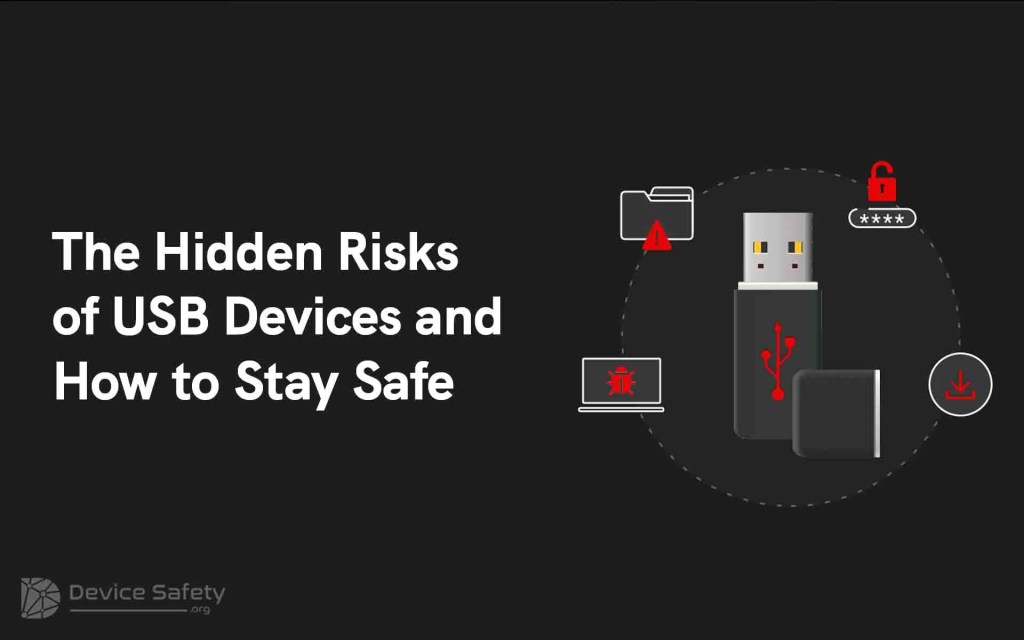
Two decades ago, USB devices entirely transformed portable data storage technology. But today, the scenario has completely changed. These USB devices are seen as the major risk. USB devices are popular for their storing and data transfer capability from one system to another.
Why?
It is because they’re affordable, portable, and easy to use. However, cybercriminals, most of the time, use USB devices to target users. They carry malicious software and viruses which can infect your computer with a single click. Therefore, it is necessary that you know the hidden risks associated with USB devices and how to stay safe.
This blog explains USB devices’ potential security risks and best security practices for staying safe.
Hidden Risks of USB Devices
As we live in an era of digital connectivity, we can’t overlook the convenience of USB storage devices. They are compact tools that are used to transfer, store, and access data on the go. We all are fans of these devices’ ease, but we must pause and consider some hidden risks of USB devices. Let’s check them out one by one.
1. Malware and Virus Transmission
It is the major concern associated with the usage of USB devices. As they are small, external, affordable, and portable, anyone can plug and store data within them. Many people use these devices interchangeably between various computers. Therefore, it can accidentally transmit malware or virus from one computer system to another. Even cybercriminals can easily use these devices to spread malware and illegal programs, which can infect your system or threaten the entire network of computers.
2. Data Loss or Theft
If your USB device is unencrypted and it gets lost or someone steals it, they can get illegal access to the sensitive data. As these devices are small and portable, we can easily misplace or forget them. So, if the device falls into the hackers’ hands, your personal data, documents, and confidential files can be easily compromised. Therefore, individuals and organisations must take the physical security of these devices seriously. So they can easily prevent the risk linked with accidental data leakage.
3. Highly Targeted Cyber Attacks
Many cybercriminals do targeted hacking via USB devices they have found. They place the abandoned USB devices in public spaces such as parking lots and lobbies and label them as “payroll.” It can easily attract someone to use it. It might happen that because of curiosity, some individuals use these devices. Once this device is connected, it can transfer malicious software or give unauthorised access. It lets hackers hack the host system.
Now, you must be wondering how to stay safe, here are a few best practices that you can implement.
Best Practices to Stay Safe
1. Keep Your Personal and Professional USB Devices Separate
It is a good practice that you don’t use personal USB devices on your work PC/system. Therefore, it will prevent any virus or malware from spreading to your entire network.
2. Never Plug in Any Unknown USB Devices in Your System
Cybercriminals try to attract you with unknown USB devices. If you connect those devices to your system, it could impact your entire system. They could access all your activity and deploy malicious programs. In short, it will leave you completely exposed.
3. Disable the Autorun Feautre
You must disable the Autorun feature on Windows. This feature easily detects any USB device, CD, or DVD inserted by the user and launches it automatically. So, this convenient tool becomes a liability if the malicious code is present on the disc or drive. It could quickly spread to your system.
4. Use Passwords to Access USB Devices
Use passwords on your USB devices. Therefore, it prevents hackers from stealing it and deploying malware.
5. Educate Yourself and Your Employees
You must educate your employees and yourself about potential USB device risks. Make them understand that they should not insert any unknown USB devices into the network. The reason behind this is that it might contain malicious software that could compromise your system. Therefore, it is essential that you be aware of how malware can harm the enterprise’s critical infrastructure.
6. Encrypt USB Devices
Use only encrypted USB devices to protect your data in case your device gets lost or theft. Encryption provides you with an additional protection layer, so even if your USB device is compromised, no one can access your data without the proper decryption key.
Epilogue
In a nutshell, it is important that you keep yourself aware of the risks associated with USB devices. Hackers and cybercriminals can use it to install malicious software and gain access to confidential information without your knowledge.
Therefore, you must take the necessary precautions while using USB devices and take proper security measures to protect your data and systems. Following the above-discussed tips and tricks, you can ensure that your data remains secure and protected from potential threats.
 Device Safety
Leave a comment