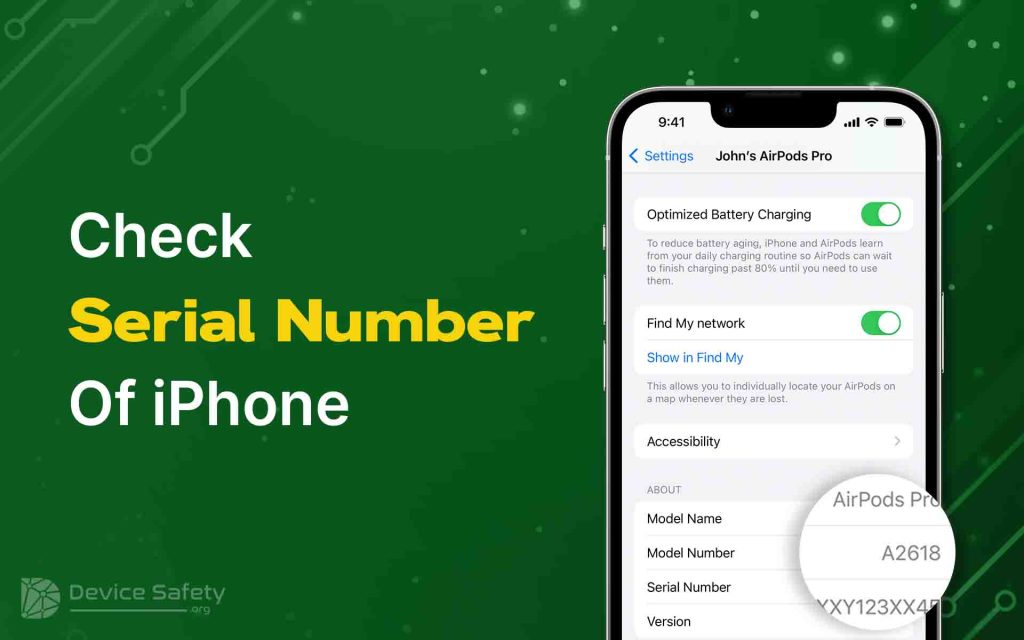
If you happen to lose your mobile phone or end up facing some hardware or software issue, one method of potentially recovering it or making sure that it does not end up being used in a wrong manner is via the use of the serial number allotted to the device. To get into the details of how to check an iPhone serial number, here is an article dedicated to the purpose. Before we begin understanding the steps, it’s necessary to understand what is a serial number for a mobile phone, its uses, and multiple other aspects.
What Is Serial Number?
The serial number is a 10 or 15-digit unique number allotted to the mobile phone device by the manufacturer. This number provides an identity to the phone you possess. Most of the time, the serial number is confused with IMEI (International Mobile Equipment Identity). IMEI lets you locate the mobile phone on the network and can be accessed by any mobile operator company around the globe.
When you speak of serial numbers, it is more or less related to the device provided to you by the manufacturer. So, if you have an iPhone, it’s the unique number provided to your phone by the manufacturer, i.e. Apple. Let’s say that there are a million units of iPhone produced, and you own one similar kind. It is this serial number that identifies your iPhone as unique, and no other serial number of any other iPhone is the same as yours.
How To Check iPhone Serial Number?
Here are some easy ways using which you can easily check the iPhone serial number.
1. For a new iPhone
In case you have just purchased an iPhone and want to write your serial number on a personal diary, one way of easily getting it is during set up. As soon as you switch on the device using the power button, you see Hello on the screen. At the bottom right corner of the screen, you see i or information icon. All you have to do is press the icon and get the serial number of the iPhone right before you.
2. For an existing iPhone using Settings
If you already have an iPhone, the best thing to do here is to follow the step-by-step instructions mentioned below to get the serial number.
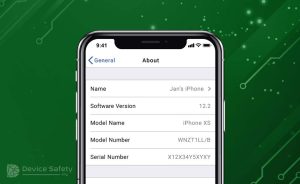
- Go to Settings > General
- Next, select the About option to get the serial number.
- Along with the serial number, you will get details like the Name of the Phone, iOS version, model name, and model number too.
How Can You Use Your Serial Number?
Serial numbers can really help you if you want online support from Apple customer care or even visit the stores to find the solution to the problem of your phone. The unique number of your phone in the form of a serial number lets the manufacturer understand the device and lend you a possible solution to it too.
However, one thing you must be quite particular about is knowing whom to share the serial number with. Until and unless the company verifies it, you must not share it with any anonymous person.
Additionally, if you are anytime sceptical about the originality of your iPhone device, the best thing to do is to cross-check the serial number of your phone with the Apple database by visiting their website.
Final Words
Some of the iPhone packaging covers contain information like serial number, IMEI, etc. It is for you to check if your phone has that or not. Besides, the easy ways mentioned in the section above will surely help you find the serial number. As the information is quite confidential, it is expected that you keep this information private until and unless the manufacturer needs it to solve some software or hardware issues related to the phone.


Leave a Reply