No matter what device you are using in 2022, encryption is of paramount importance. You have probably seen the term being thrown around a lot as of late. And, rightfully so. Top-notch data security is the need of the hour, given how many gadgets we heavily rely on.
However, the real challenge is how can you quite possibly encrypt a device? There is no easy answer to this. As simple as it may sound, encryption is a challenging process. The good thing is that today, we will get into a bit more detail about it.
So, making it easier for you is the ultimate objective of this article. Let’s get into the best ways to encrypt your precious data on Android and iOS mobile devices without any further ado.
How To Encrypt Data In Android Devices?
In order to encrypt your Android phone or tablet, all you have to do is set up a lockscreen. Ever since Android 10, the OS has taken the privacy and security of devices running it very seriously. So, your data is already encrypted by default. Now, if you want to set up additional protection, just follow these steps:
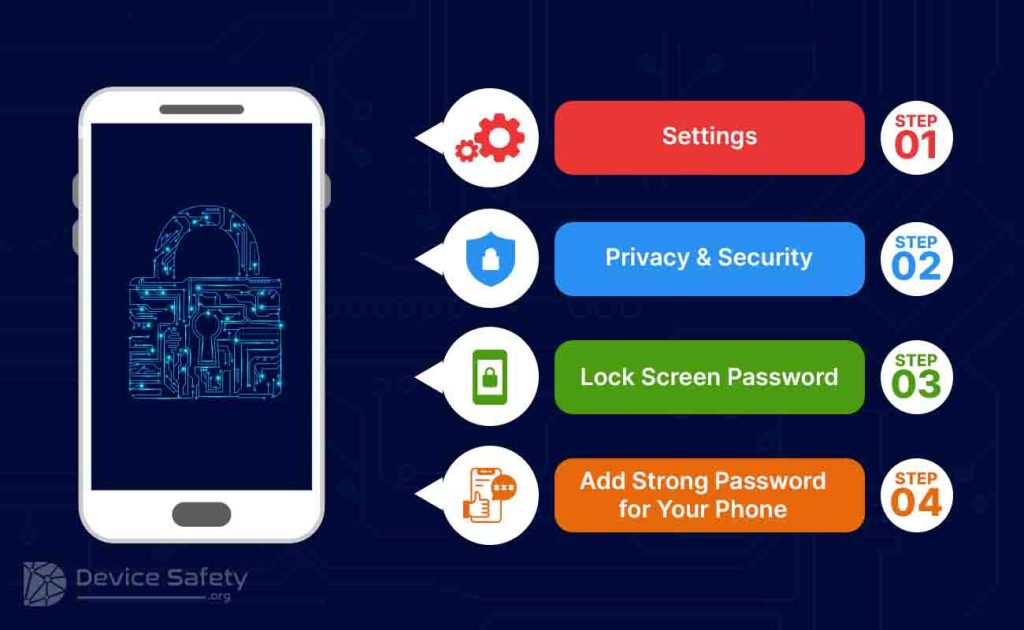
Step 1: Open Settings.
Step 2: Head over to Privacy and Security or anything similar that you might see on your Android device.
Step 3: Look for the available options and select to use a Lock Screen Password.
Step 4: Now, just use a mixture of uppercase and lowercase letters alongside numbers to create a strong password. Drop a special character to make it even better!
That should do the trick. Your Android device is now successfully and easily secured in the best way possible. Moving on, let us now take a look at how data encryption works in iOS devices.
How To Encrypt Data In iOS Devices?
When talking about iOS devices, Data Encryption is not something you should worry about. What makes Apple stand out from the crowd is the fact that they take privacy and security very seriously. They always have.
This is exactly why an Android-to-iOS user will need some time to get used to it. Android offers a ton of freedom, from allowing you to install third-party applications to going all crazy with mods. However, iOS does not allow either of that. Then again, that is the cost you have to pay if you want premium security.
Even with iOS devices, all you have to do is set up a passcode. If you are not familiar how to do so, follow these steps:
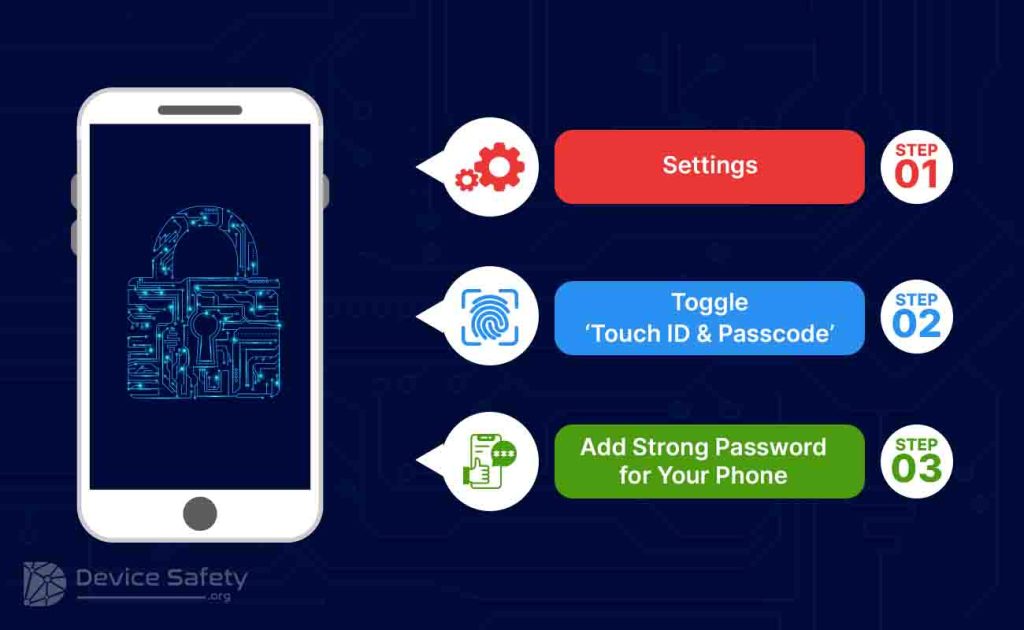
Step 1: Head over to the Settings panel on your iPhone.
Step 2: Look for the Touch ID & Passcode option.
Step 3: Toggle it on.
Step 4: Set up a strong passcode (using lowercase letters, uppercase letters, numbers and special characters).
There you go! With that, you can now successfully encrypt your Android and iOS device.
Takeaway!
Ever since the Mark Zuckerberg Facebook data security breach, folks have been more alert. People know how important data security and digital privacy are. Even if you lose your device, the most worrisome thing is not that you have lost your device. Instead, it is the sensitive data on it. You just can’t risk it falling into the wrong hands. So many things could go haywire. You can’t turn a blind eye towards data encryption anymore. Use a strong passcode, ensure that not anyone and everyone is using your device and stay alert.


Leave a Reply